

Issues
An issue is a group of events that share the same error fingerprint. Tindra groups them automatically so you can triage one problem at a time instead of a flood of duplicate events.
The issues list
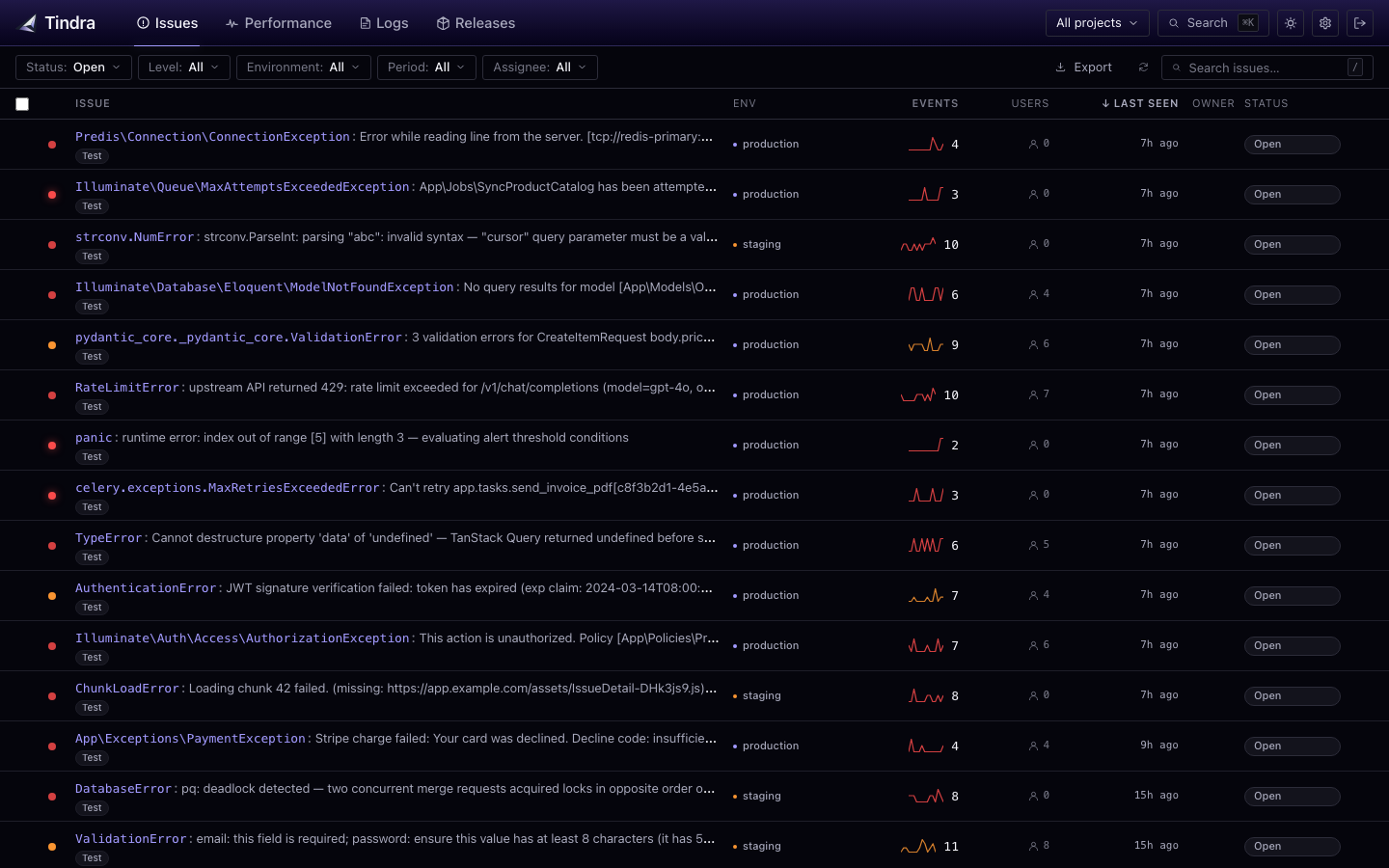
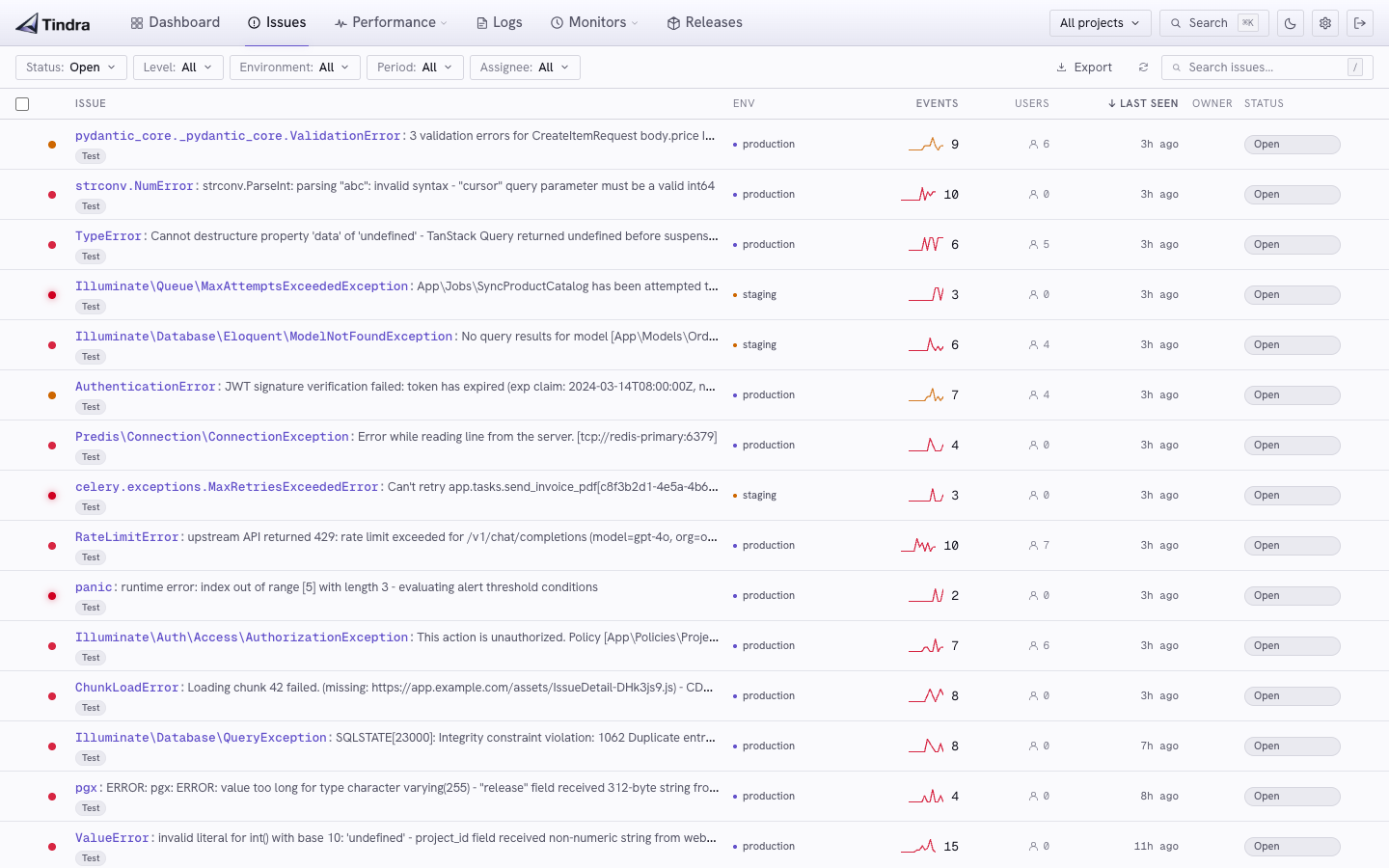
The list shows all open issues sorted by last seen. Each row shows:
- Error type and message: the exception class and message
- Project: which project the error came from
- Event count: how many times this has occurred
- User count: how many distinct users have been affected
- First/last seen: when the issue appeared and when it last recurred
The shared filters select projects, environment, user, and time. Counts, affected users, first/last seen, and sparklines describe matching occurrences within that scope. Status still reflects the issue's current state, even when you select a past interval. Use All to search all retained occurrences.
Search matches the issue title. Use the separate status, level, assignee, and tag controls to narrow the list further.
Issue detail
Click any issue to open the detail view.
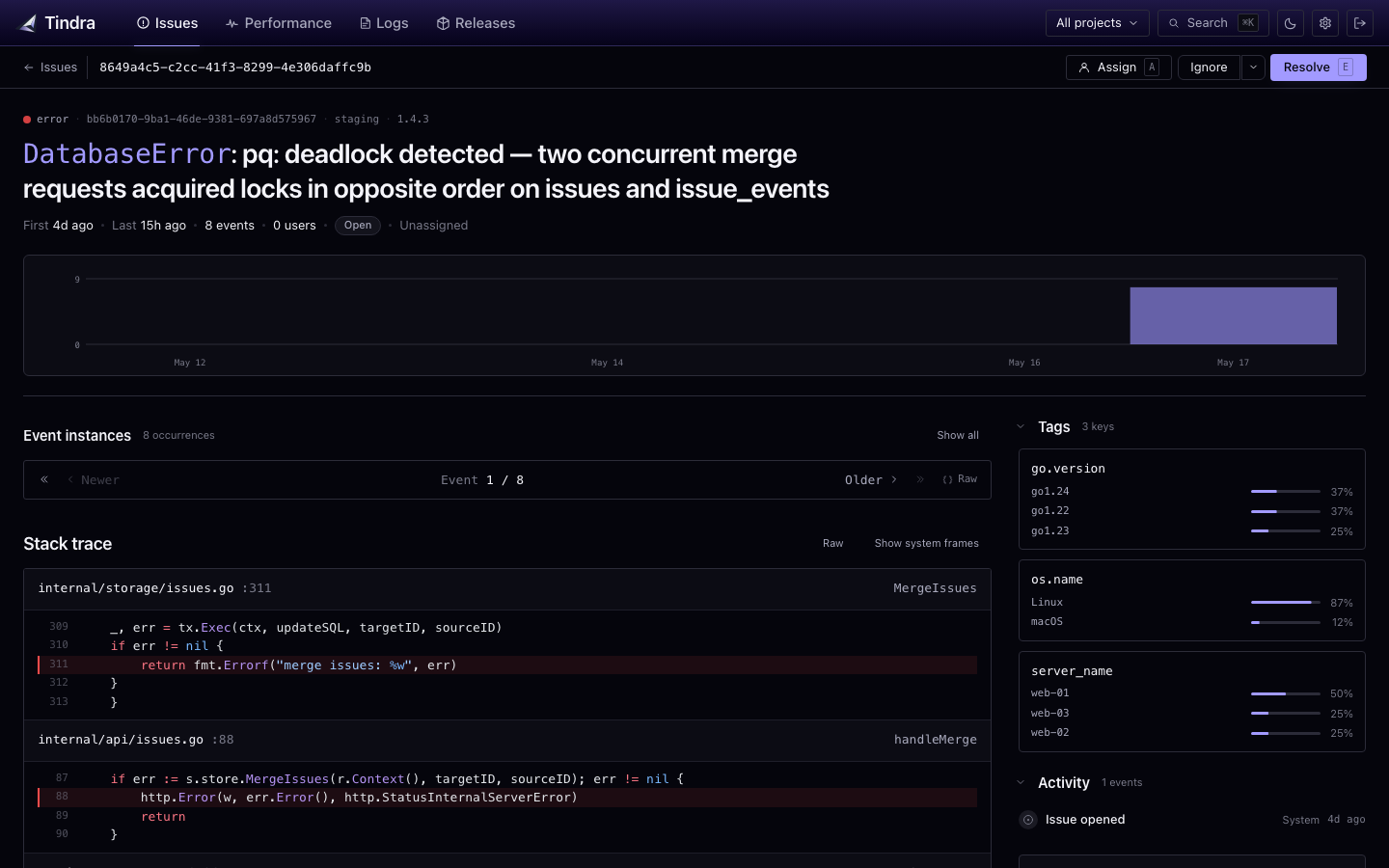
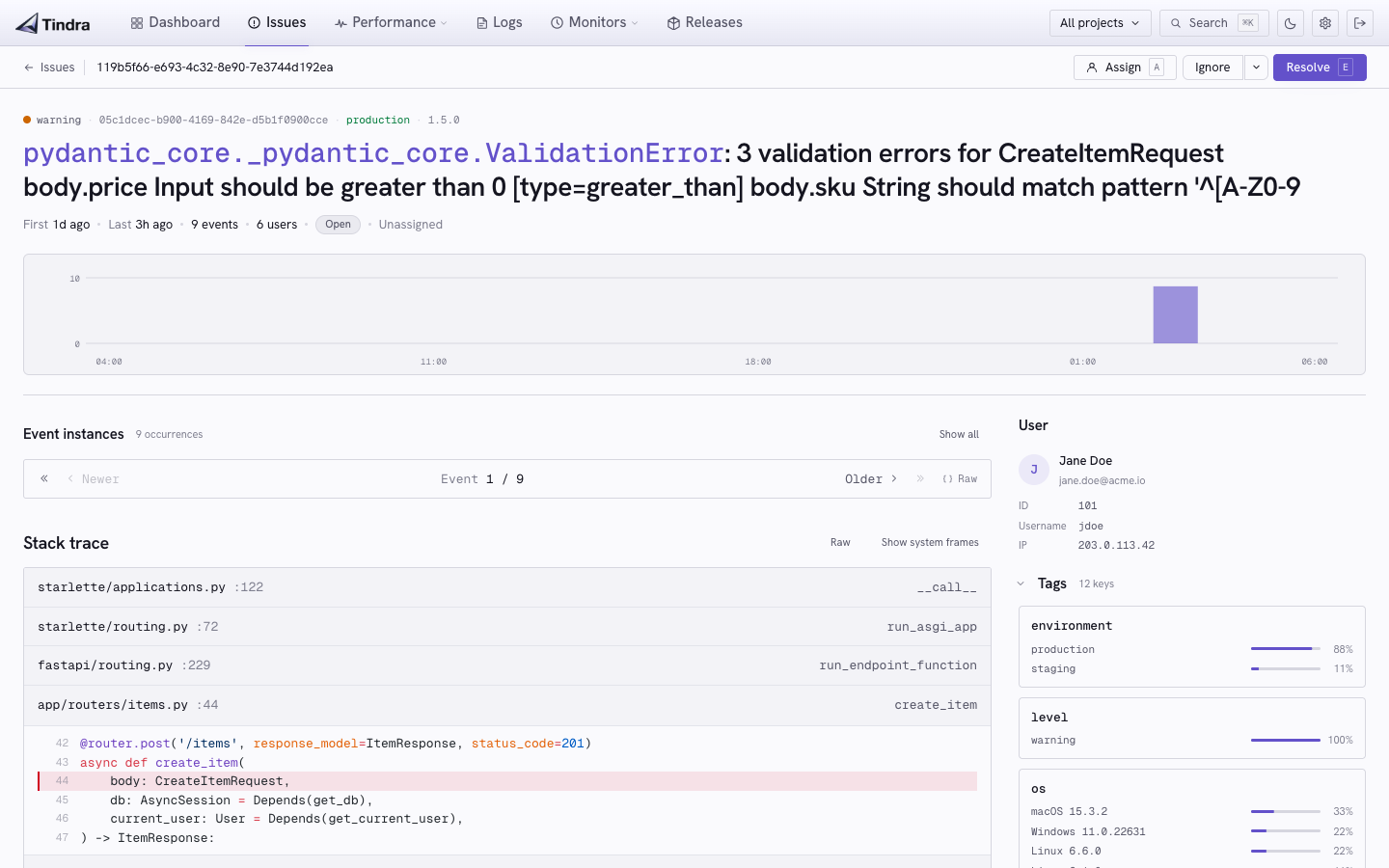
The detail view shows:
- Occurrence histogram: frequency over the past 24 hours
- Latest event: full stacktrace with code context
- Breadcrumbs: the sequence of events leading up to the error
- Tags: environment, release, server, and any custom tags from your SDK
- User context: affected user ID and email (if set)
- Request context: URL, method, headers
Long titles are stored truncated and end in an ellipsis. If the current event has a longer message, a toggle on the title expands it to the full text.
Use Newer and Older to browse events, or Show all to choose an occurrence. A link containing event_id opens that exact Tindra event and shows Viewing linked event. Choose View latest event to return to the latest occurrence. If the linked event has expired or is unavailable, the page explains why it could not be loaded.
The selected event has its own project and timestamp; the list's investigation filters do not hide it. Its user card provides Issues, Traces, and Logs links that select the same identity. See User Debugging for the full workflow.
Resolving issues
Mark an issue as Resolved when you ship a fix. Resolved issues move out of the default view. If the same error recurs after the next release, the issue re-opens automatically and shows as a regression.
Ignoring issues
Set an issue to Ignored to suppress it from the list without deleting history. Ignored issues are useful for known noise you have no plans to fix.
Searching
Enter part of an error title, such as TypeError, in the search bar. It does not parse Sentry query syntax such as environment:production level:error; use the environment and level selectors instead. Use tag filtering for an attached tag value, including a release tag.