

Log Viewer
Tindra captures structured log entries from your applications alongside errors and transactions. Logs are searchable, filterable, and correlated to traces so you can follow a request from the log line that fired to the transaction it happened in.
Enabling log capture
Log capture requires an SDK with support for structured Sentry logs. These examples use current SDKs; older releases may require an explicit logging opt-in. Follow the JavaScript logging requirements or Python logging setup for your installed version.
JavaScript / Node.js
Logs are enabled by default in JavaScript SDK 10.71.0 and later. Versions 9.41.0 through 10.70.x require enableLogs: true in Sentry.init.
import * as Sentry from '@sentry/browser'; // or @sentry/node

Sentry.init({
  dsn: 'https://your-key@acme.tindra.sh/1',
});

Sentry.setUser({ id: 'customer-42' });
Sentry.logger.info('User signed in');
Sentry.logger.warn('Quota approaching limit', { usage: 0.9 });
Sentry.logger.error('Payment failed', { orderId: 'order-123' });
Capturing console.log, console.warn, and console.error as structured logs requires Sentry.consoleLoggingIntegration({ levels: ['log', 'warn', 'error'] }) in your SDK integrations. Console breadcrumbs alone do not populate the log viewer.
Python
With a current Python SDK, send structured logs directly through its logger:
import sentry_sdk

sentry_sdk.init(dsn="https://your-key@acme.tindra.sh/1")
sentry_sdk.set_user({"id": "customer-42"})

sentry_sdk.logger.info("User signed in")
sentry_sdk.logger.error("Payment failed for {order_id}", order_id="order-123")
For standard-library logging, configure the SDK's logging integration according to its version-specific documentation. A local logging handler alone does not establish structured log delivery to Tindra.
Set user context within the current request or job on a server, and clear it when it no longer applies. See User Debugging for identity fields and SDK links.
Viewing logs
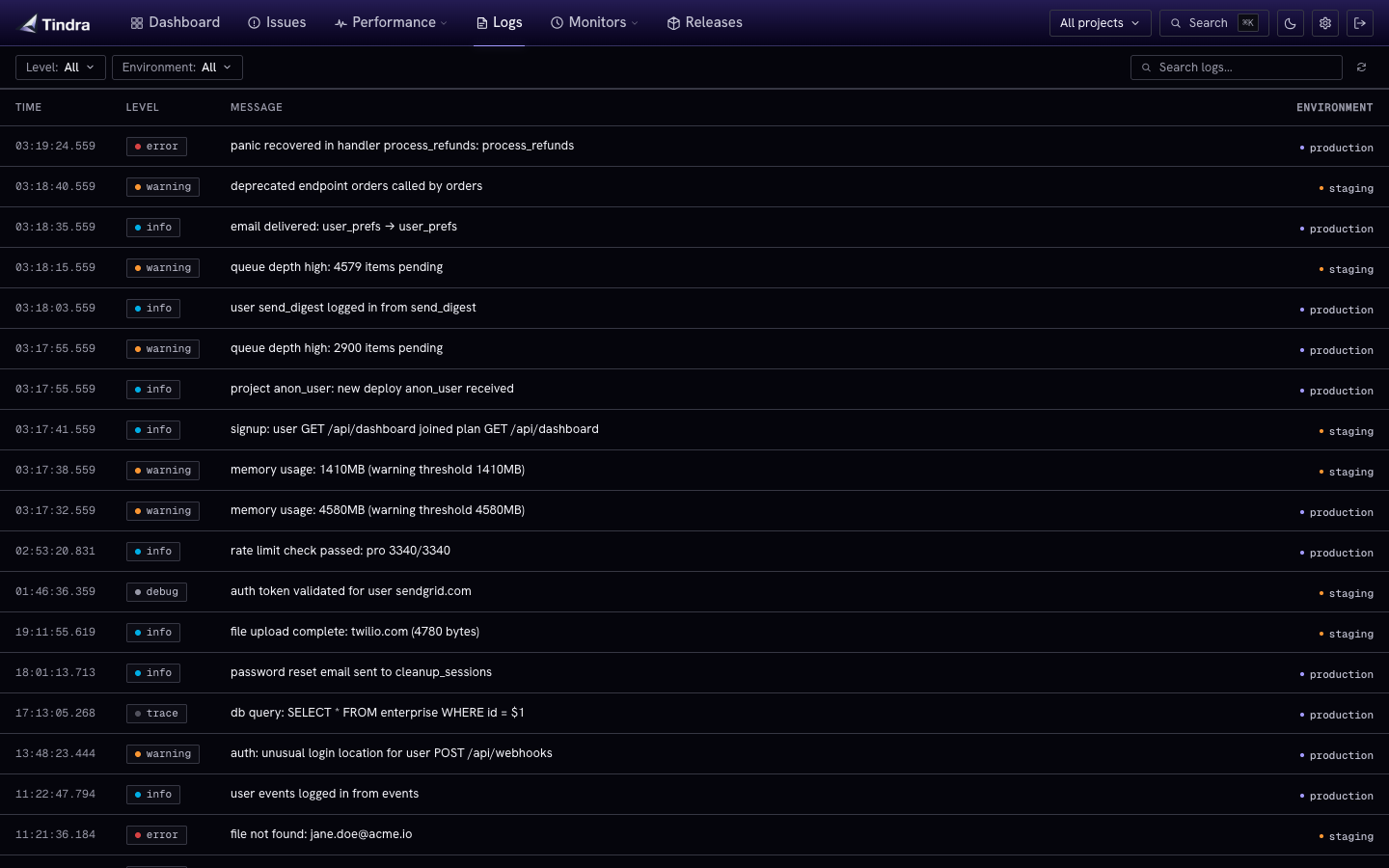
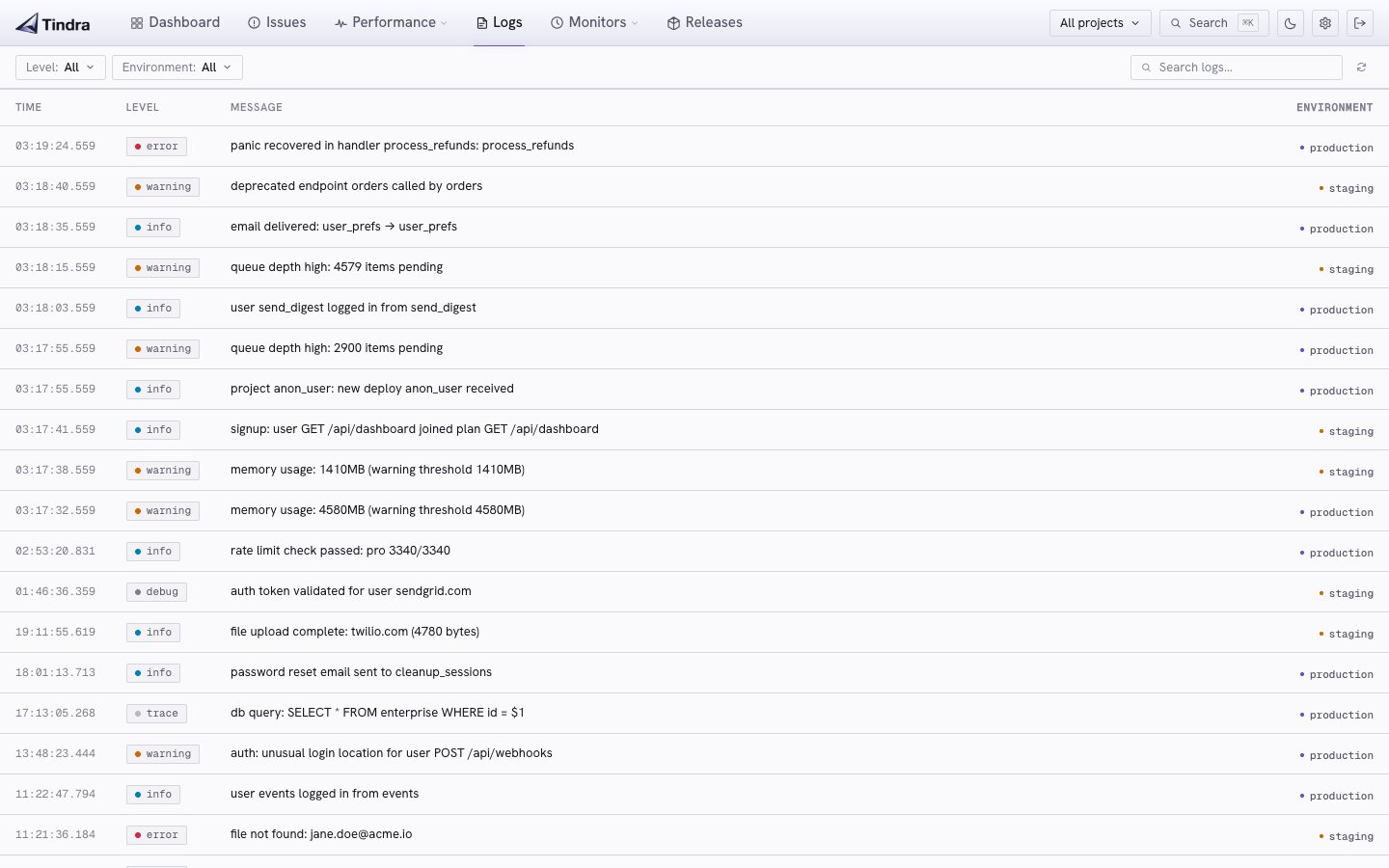
Navigate to Logs in the sidebar. Each row shows:
- Timestamp: the event time supplied by the SDK
- Level: trace, debug, info, warning, error, or fatal
- Message: the log body, with a Trace link when the entry belongs to a transaction
- Project: shown when more than one project is selected. Hidden if you have filtered to a single project, because every row would repeat the same name.
- Environment: the environment tag from the SDK
Click any row to expand it and inspect the full structured payload: all key-value attributes, trace ID, span ID, release tag, and any custom data attached to the entry.
Filtering
| Filter | How to use |
|---|---|
| Level | The selector matches the exact severity. Incoming min_level links can instead select a minimum severity, such as warning and above. |
| Environment | Scope to production, staging, or another SDK environment. |
| Search | Case-insensitive literal substring matching in the message body. Expanded attributes are not searched. |
| Project | Choose one or more projects in the project selector. |
| User | Match the selected application identity from structured user attributes. |
| Time | Match the SDK event timestamp within the shared investigation range. |
The viewer returns up to 100 entries, so narrow the time range or message search when looking for a specific event. warn and warning are accepted severity aliases in links.
Shared filters follow you between pages and appear in the URL for sharing. Logs refresh every five seconds while automatic refresh is active. Pause updates to inspect a row; fixed custom intervals, hidden tabs, and offline state also stop automatic refresh.
Trace correlation
A log carrying a trace_id can link to a matching stored transaction. When Trace is available, use it to open the span waterfall. SDK trace correlation depends on capturing the log within a traced context, and sampling or retention can leave a log without a stored transaction to open.
Use the user filter to find other logs and traces for the same person. This requires structured identity attributes such as user.id; arbitrary attributes such as userId do not identify the user for filtering.
Alert on this
The filter bar has an Alert on this button. It opens Alerts with a log count rule prefilled from the current level, search, environment, and selected projects. You need permission to manage alerts.
The selected user and fixed investigation time range are not copied into the rule. Selecting all projects expands to the currently existing project IDs, so future projects are not automatically added. The alert uses its own rolling evaluation window and minimum severity.
The button stays disabled until the level is Error or Fatal, or Warning plus a search. Warning without a message match is too broad to alert on.
See Alert Rules for the rest of the constraints.
Retention
Log entries follow the same retention policy as events, configured by RETENTION_DAYS. Older entries are pruned automatically.
LOG_ROW_LIMIT is a separate cap on how many log rows the instance keeps, oldest deleted first. 0 is unlimited. See Configuration.