

User Management
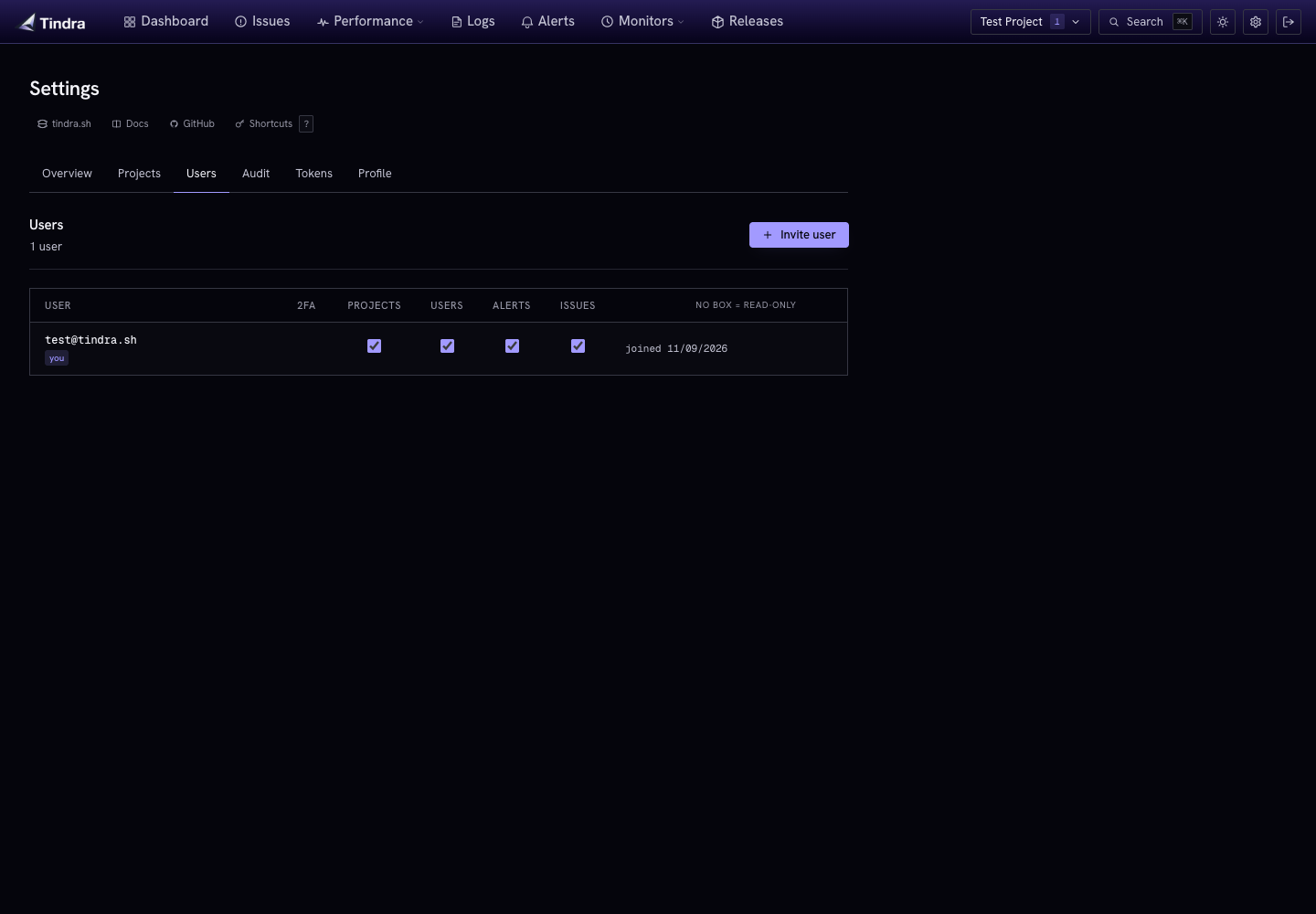
Manage accounts and permissions in Settings > Users. Instance accounts are shared across projects and are separate from your hosting billing account.
Inviting users
A user with manage_users can select Invite user, enter an email and optional name, and send the invitation. If email is unavailable, copy the invitation link from the result and share it privately. Invitations expire after seven days and can be accepted only once.
Without SSO, the recipient follows the link and sets a password. With SSO configured, they sign in through their provider using the invited, verified email; Tindra consumes the invitation when creating the account. Providers without verified-email claims need administrative SSO linking to an existing account instead.
New invited accounts have no management permissions. Assign any required permissions after the person joins. USER_LIMIT applies to new accounts, including accounts created through SSO.
Permissions
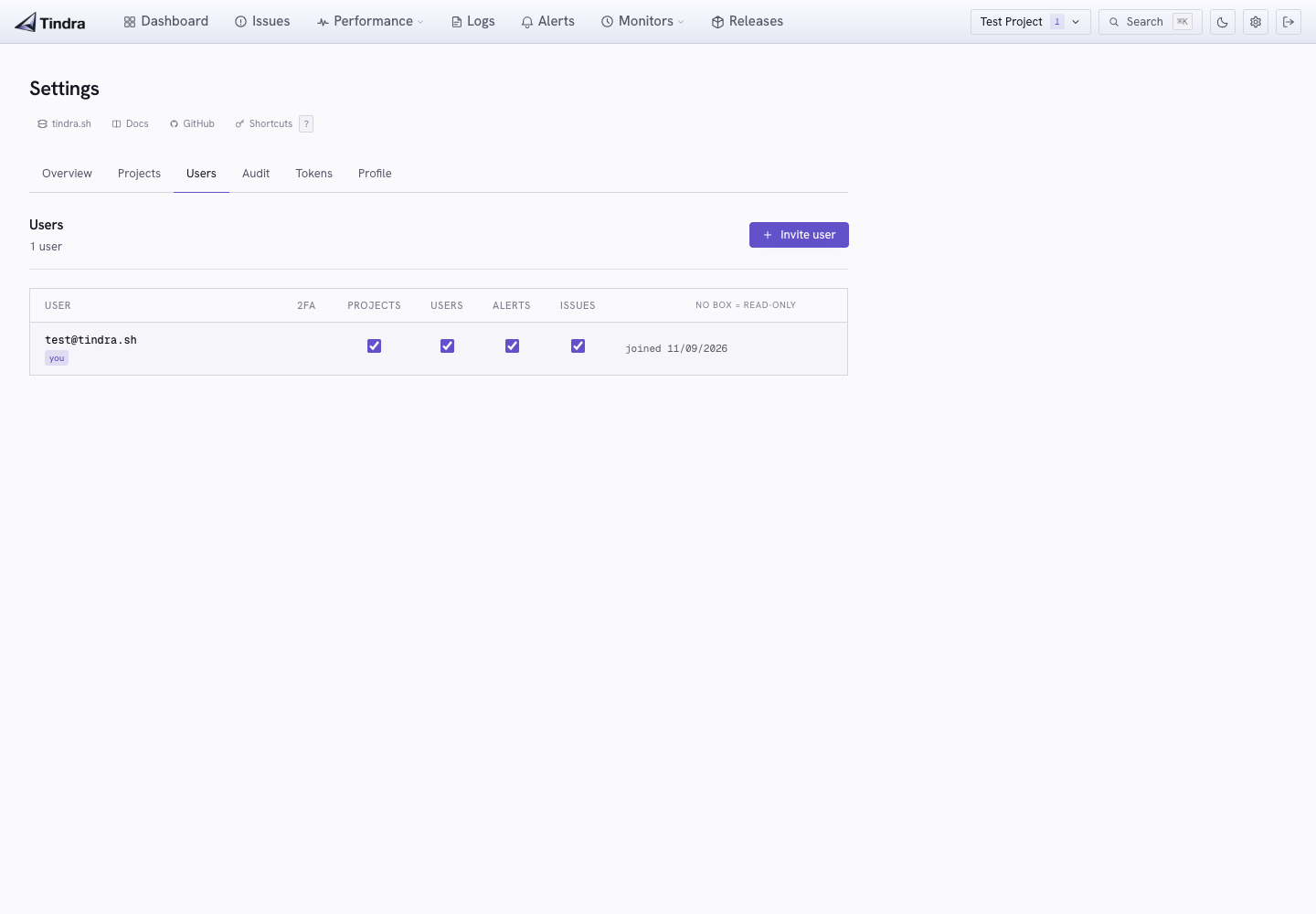
Tindra uses individual permission flags rather than Owner, Admin, and Member roles. A user with manage_users can toggle them in Settings > Users.
| Permission | Allows |
|---|---|
manage_projects |
Manage projects, project tokens and configuration; view instance health and ingestion status. |
manage_users |
Invite/remove users, assign permissions, perform administrative account recovery, and view the audit log. |
manage_alerts |
Create, update, test, and delete alert rules. |
manage_issues |
Change issue status or assignment and merge/unmerge issues. |
Users without these flags can view telemetry across the instance's projects after satisfying authentication and MFA requirements. These flags do not control the separate managed-hosting subscription or billing account.
Removing a user
In Settings > Users, open the user's menu and choose Remove user, then confirm removal. Deleting the account revokes its sessions. Project API tokens are separate credentials; review and revoke any tokens that person held if their programmatic access must also end.
Password changes and resets
When password login is enabled, users can change their own password in Settings > Profile by supplying the current password. This preserves the enrolled authenticator, invalidates old sessions and pending login/reset credentials, and gives the current browser a replacement session.
There is no self-service forgot-password flow. An administrator can send a reset:
- UI: Settings > Users, open the user's menu, then Send password reset. If email is unavailable, the result provides a link to copy.
- CLI:
docker compose exec tindra /tindra users send-password-reset user@example.com. Without configured email, this prints the link.
Reset links expire after 24 hours and are single-use. Completing an administrator-issued reset invalidates previous sessions, MFA login challenges, and outstanding reset links, and clears the local authenticator. The reset flow creates a new session; with REQUIRE_MFA=true, the user must enroll again before accessing telemetry.
The user menu also offers Set password for direct administrative changes. This revokes existing sessions and pending login/reset credentials but preserves an enrolled authenticator. Use a reset link or the MFA recovery procedure when the authenticator itself is lost.
SSO configuration disables password login and password-reset redemption. For an SSO account, use the identity provider for sign-in and the recovery procedure below for local MFA. Changing a Tindra password does not revoke independent project API tokens.
Lost authenticator
A server administrator can clear a user's local authenticator:
docker compose exec tindra /tindra users disable-mfa user@example.com
Their password and SSO links remain intact. They authenticate with the instance's configured method and enroll again. With REQUIRE_MFA=true, session access is restricted to account/enrollment endpoints until that is complete.
An administrator with manage_users can also open the user's menu in Settings > Users and choose Remove MFA. The corresponding API is DELETE /api/users/{userID}/mfa, authenticated with a user session rather than a project API token. Shell access is therefore one recovery option, not the only one.
Timezone
Each user can set a timezone in Settings > Profile. The default is UTC. Displayed dates use this preference where supported; explicit investigation time bounds remain timezone-qualified timestamps.
First user gets all permissions
There is no default administrator or public sign-up page. The installer creates the initial administrator through the CLI. For a manual installation, use tindra users create as described in Self-Hosting.
The CLI command creates an account with all four management permissions, including when used after the first account. SSO does not bootstrap an administrator automatically. Before enabling SSO, arrange a verified-email match or explicit provider link for the administrator you will use.