

Performance Overview
Tindra captures transaction traces from your application so you can find slow endpoints, identify database bottlenecks, and understand where time is spent. Turn on your SDK's profiler and it also captures the call stack, so you can see which function burned the time.
Investigation scope
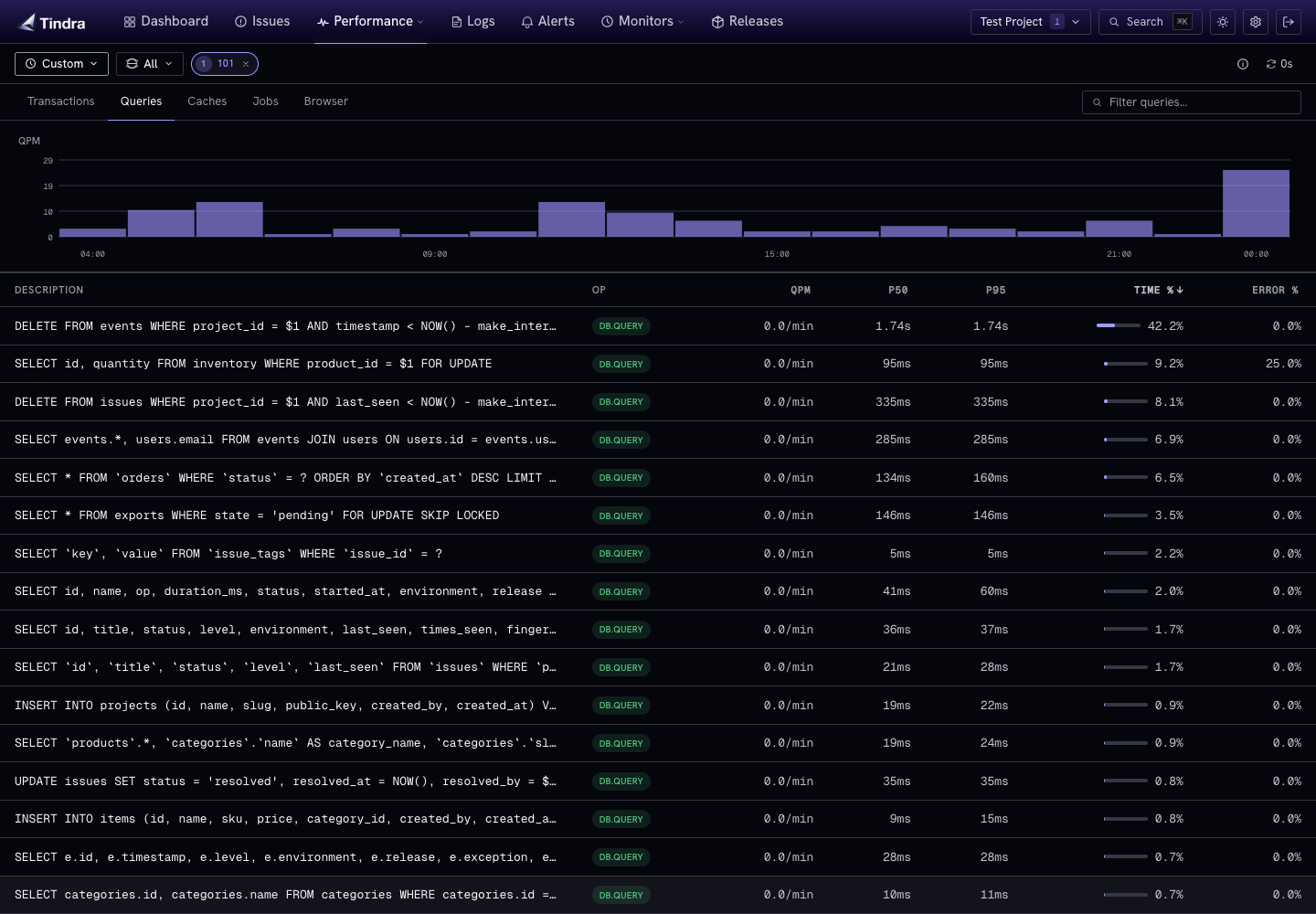
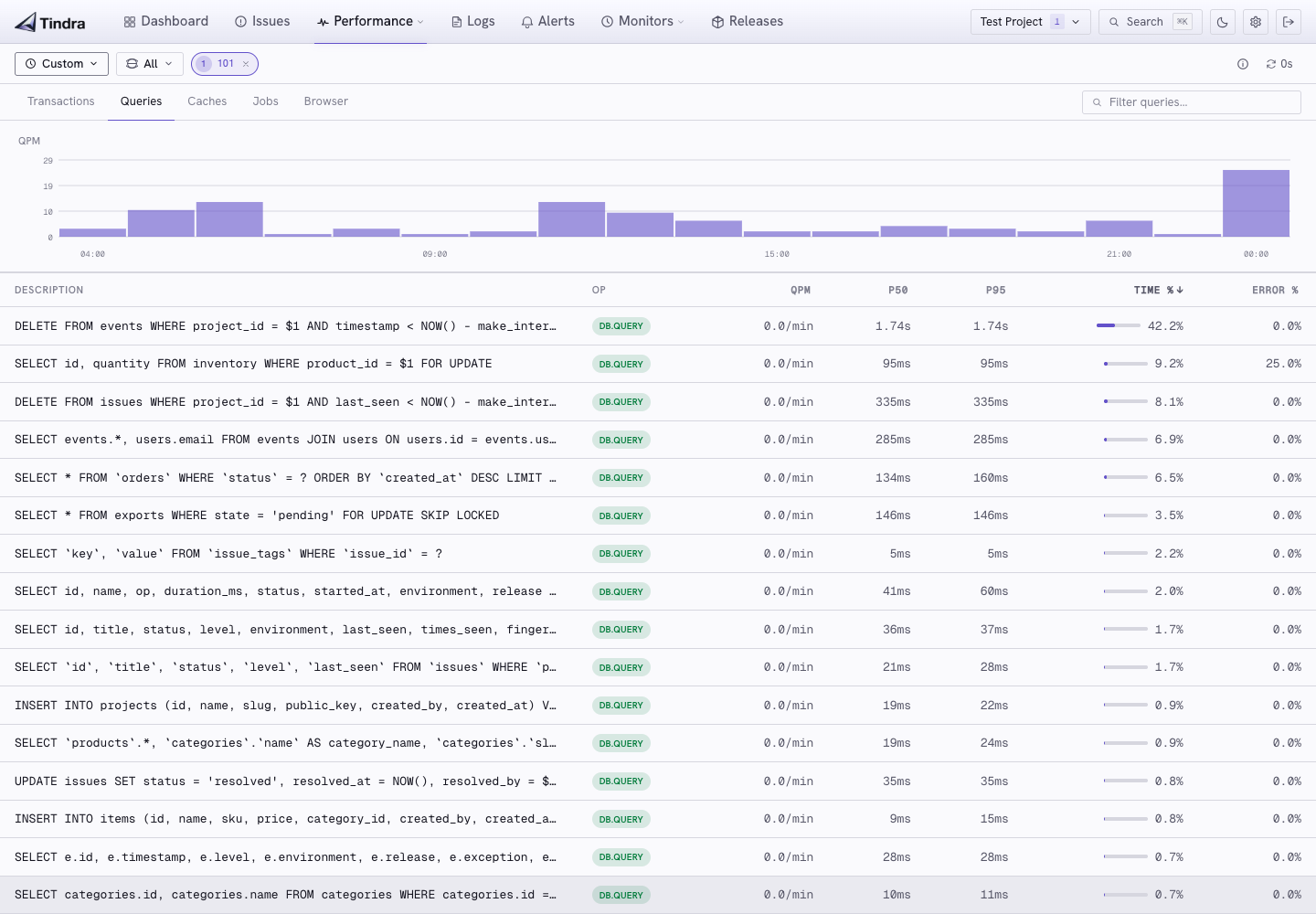
Use the shared project, environment, time, and user filters to focus performance data. Selecting a user changes Transactions to individual traces and Browser to individual page loads. Queries, Caches, and Jobs filter spans through the user identity on their containing transaction. See User Debugging.
What is a transaction?
A transaction is a timed operation with a name, usually an HTTP request or a background job. Transactions contain spans. Individual timed segments within the operation, like database queries, cache lookups, or external HTTP calls.
GET /api/orders (245ms)
  ├── db SELECT orders (180ms)
  ├── cache.get session (1ms)
  └── http POST analytics (18ms)
Enabling performance monitoring
Set a sample rate in your SDK to start capturing transactions. A rate of 0.1 captures 10% of all requests.
Laravel
SENTRY_TRACES_SAMPLE_RATE=0.1
JavaScript
Sentry.init({
  dsn: '...',
  tracesSampleRate: 0.1,
});
Python
sentry_sdk.init(
    dsn="...",
    traces_sample_rate=0.1,
)
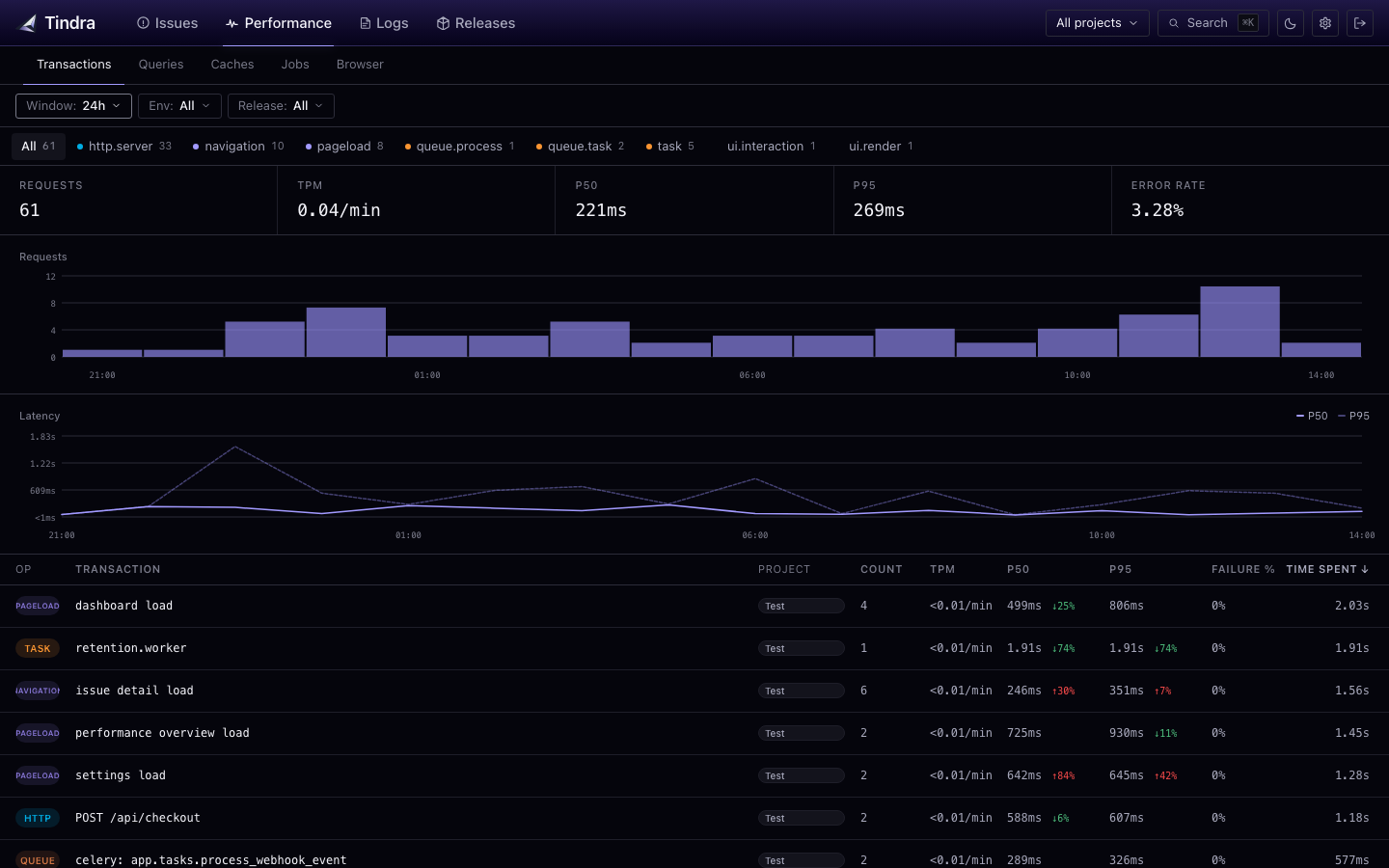
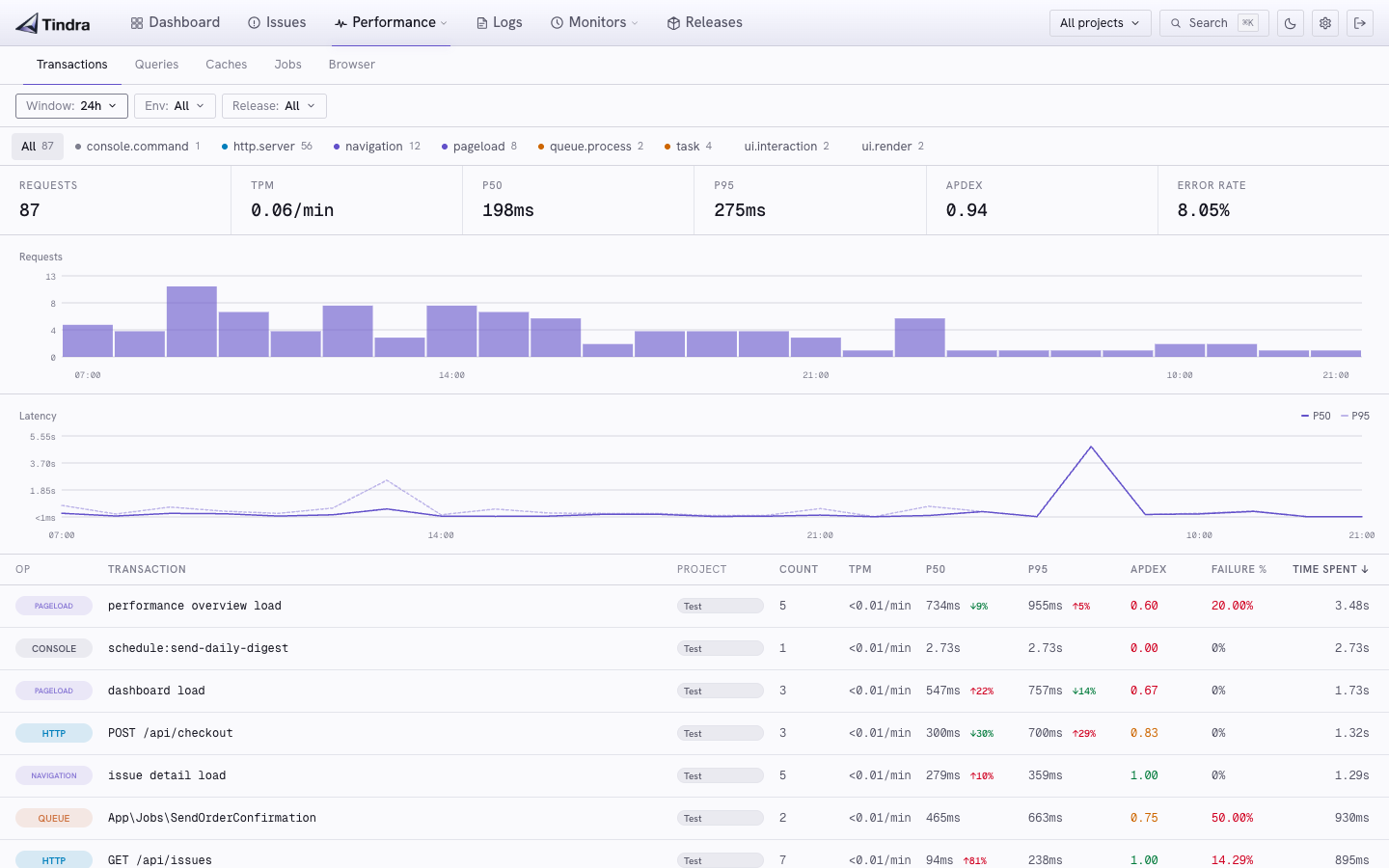
The transactions list
With no user selected, open Performance > Transactions to see captured transactions grouped by name within the selected scope. For each transaction you see:
- P50 / P95 / P99 latency: median and tail latencies
- Throughput: requests per minute
- Apdex: satisfaction score for that endpoint (see below)
- Error rate: percentage of transactions that ended with an error
Sort by P95, Apdex, or throughput to find your slowest or busiest endpoints.
Apdex
Apdex is a 0 to 1 score of how satisfied users would be with an endpoint. Tindra uses a fixed T of 500ms:
- Satisfied: duration ≤ 500ms
- Tolerating: 500ms < duration ≤ 2000ms (4T)
- Frustrated: duration > 2000ms
Score = (satisfied + 0.5 × tolerating) / total.
Color on the list and the dashboard KPI:
| Score | Color |
|---|---|
| ≥ 0.94 | Green |
| ≥ 0.70 | Yellow |
| below 0.70 | Red |
The dashboard KPI is a sample-weighted average across the selected projects. You cannot change T. 500ms is the industry default for web requests, and a single number keeps endpoints comparable.
Sampling strategy
Start with a low sample rate (0.05–0.1) and increase it if you need more granularity on specific endpoints. High-traffic applications rarely need 100% sampling.
For background jobs you may want full sampling since they run less frequently:
// Capture all queue jobs, sample 10% of HTTP requests
'traces_sampler' => function (\Sentry\Tracing\SamplingContext $context): float {
    if ($context->getTransactionContext()->getOp() === 'queue.process') {
        return 1.0;
    }
    return 0.1;
},
Profiling
A sample rate gets you transactions and spans. Adding a profile sample rate gets you a flame graph of the code that ran inside them.
SENTRY_TRACES_SAMPLE_RATE=0.1
SENTRY_PROFILES_SAMPLE_RATE=1.0
Profiles are stored separately from events, have their own retention window, and do not count toward your monthly event limit. See Profiling for per-SDK setup.
Next steps
- Transactions: drilling into individual traces
- Profiling: flame graphs from SDK profilers
- Web Vitals: Core Web Vitals for frontend pages